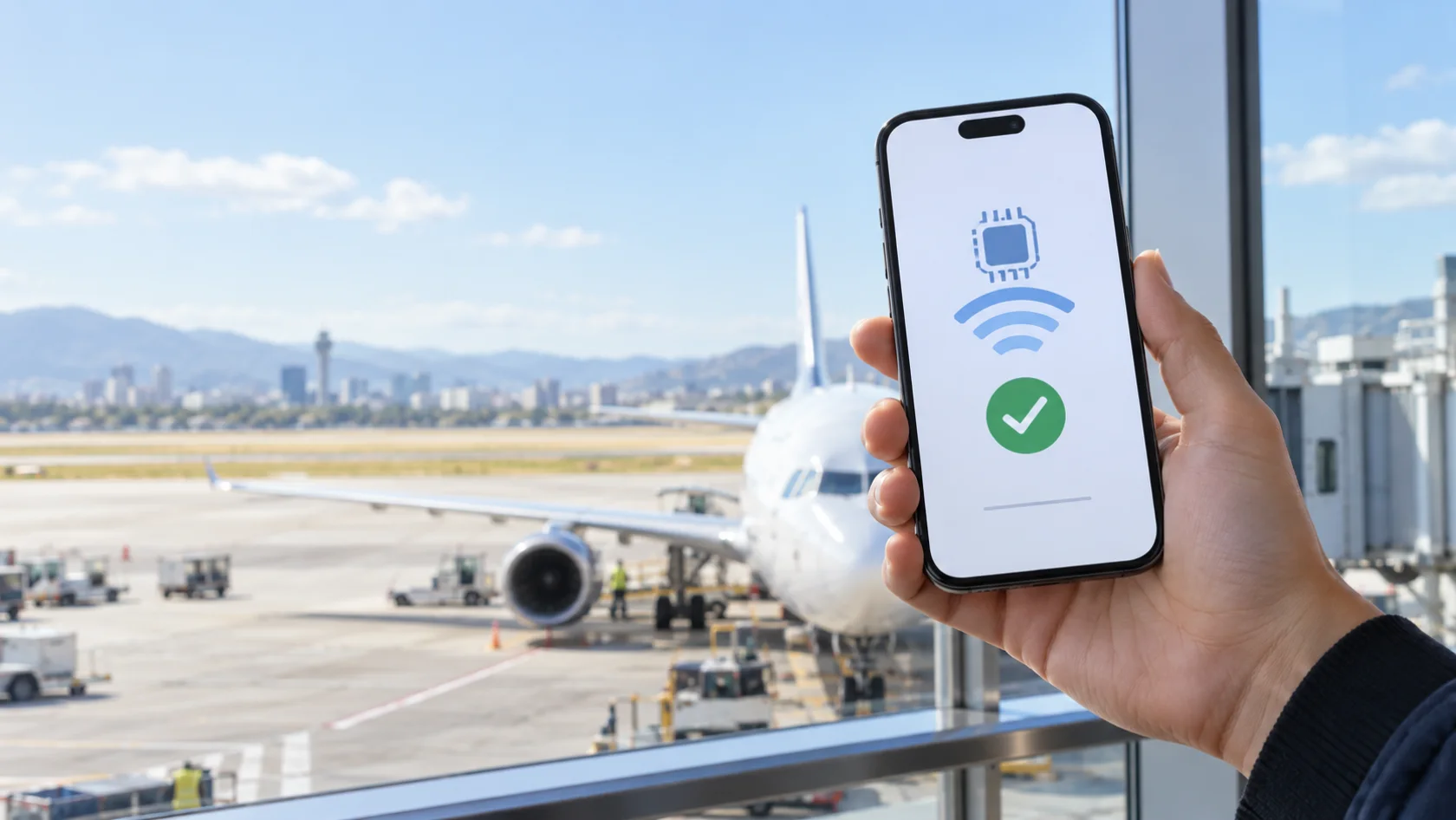
An eSIM can put travel data on your phone without a plastic SIM card, a shop visit, or swapping out your usual number. A free eSIM trial goes one step further: it lets you install a real travel eSIM and test mobile data before deciding whether the service belongs in your travel routine. The important word is trial. Data allowances, eligible destinations, card checks, renewal rules, and cancellation deadlines vary, so the useful question is not simply “Is this free?” but “What exactly is included, and what happens next?”
This guide explains those details and uses the free travel eSIM trial from uPhone as a concrete example. Wallpapers.com has partnered with uPhone so readers can start the offer without hunting through another product page. If your phone is compatible and the terms fit your trip, you can start the free eSIM trial on Wallpapers.com and continue into uPhone’s secure account and card-verification flow.
What is a free eSIM trial?
An eSIM, short for embedded SIM, uses the GSMA’s globally backed remote-SIM standard to add a digital mobile plan to a compatible phone. Instead of inserting a physical card, you install a carrier profile—usually from a QR code or an in-app setup—and choose that line for mobile data. Your regular SIM can usually remain in place for calls, texts, and the phone number people already know.
A free eSIM trial is a limited test of that setup. A worthwhile trial should provide enough data to confirm that installation, activation, and connectivity work for you. It may be limited by time, data, destination, or all three. Some trials end automatically; others become paid memberships unless you cancel. That difference matters more than the word “free” in the headline.
How the uPhone free eSIM trial works
uPhone’s Test Flight trial is designed for travellers who want to try an eSIM before relying on one for a larger trip. After creating an account and completing the card check, you choose an eligible country plan and claim one data-only eSIM with up to 1 GB. The free-trial period lasts three days.
- Check your phone first. Confirm that it supports eSIM and is carrier-unlocked.
- Start from the Wallpapers.com offer. Open the free eSIM offer and select Google, Microsoft, or email signup.
- Verify your card with uPhone. A temporary $1 authorization is used for verification and reversed; your bank may take time to remove a pending hold.
- Choose an eligible destination. The trial covers one eligible country eSIM, up to 1 GB, from the available catalog.
- Install on reliable Wi-Fi. Follow the QR-code instructions, label the new line clearly, and select it for mobile data when needed.
- Decide within three days. Cancel during the free trial to avoid the $9.99 monthly renewal. If you continue, each paid renewal adds $9.99 in uPhone account credit that is valid for 30 days.
The offer is not a voice plan and does not issue a replacement phone number. It supplies mobile data, which means apps such as maps, email, browsers, and internet-based messaging can use the eSIM connection while your main line remains available according to your phone’s dual-SIM settings.
What “free” should mean in an eSIM trial
Free eSIM offers are easier to compare when you separate the trial benefit from the conditions around it. Before entering payment details, look for all of the following in one place:
| Check | Why it matters | uPhone Test Flight |
|---|---|---|
| Data allowance | Shows whether the trial can test real usage. | Up to 1 GB |
| Trial length | Sets your cancellation deadline. | 3 days |
| Coverage | The destination must have an eligible plan. | Eligible plans in 100+ countries |
| Card verification | A hold can appear even when the trial price is $0. | Temporary $1 authorization, reversed |
| After the trial | Clarifies whether payment starts automatically. | $9.99/month unless cancelled |
Also check whether “1 GB” is guaranteed or a maximum tied to the selected destination. In uPhone’s offer it is up to 1 GB: eligible country plans and available allowances can differ. Regional, global, and unlimited plans are not included in this free trial.
Check eSIM compatibility before signing up
Two requirements are easy to confuse. First, the device must contain eSIM hardware and support adding a digital plan. Second, it must be carrier-unlocked. A phone can support eSIM technically but still reject a travel eSIM because it is locked to the network that sold it.
On an iPhone, look under Settings for the option to add an eSIM and check Settings → General → About for carrier-lock information. Apple’s official iPhone eSIM setup guide covers supported models, Wi-Fi requirements, QR-code activation, and other setup methods. On Android, wording and menu locations vary by manufacturer; look for “Add eSIM,” “Download SIM,” or an equivalent option under the network or SIM settings. If the setting is missing, confirm the exact model and region with the manufacturer or your carrier before claiming the offer.
When should you install and activate a travel eSIM?
Install while you have stable Wi-Fi and enough time to read each setup screen. For many travellers, that means at home shortly before departure or at the airport before boarding. Give the line a clear label such as “Travel eSIM” so you do not confuse it with your usual SIM.
Installation and activation are not always the same event. The profile may be installed on Wi-Fi but connect only when it reaches a supported network. Trial timing rules can still vary, so follow the instructions displayed for the specific plan rather than assuming the countdown begins at a particular moment. Take a screenshot of the installation details before leaving Wi-Fi, but do not publicly share a QR code because it is tied to your eSIM.
How much can you do with 1 GB?
One gigabyte is useful for testing maps, messaging, email, light browsing, and the basic connection you need after landing. It is not an invitation to stream video continuously, upload a large photo library, or let every app update in the background. Exact consumption depends on your device, apps, and media quality.
To make a free eSIM trial last, download offline maps on Wi-Fi, pause cloud photo backups, disable automatic app updates, and select the travel eSIM for mobile data without enabling unnecessary data switching. Your phone’s cellular-data screen can show which apps use the most data.
Can you keep your regular SIM and phone number?
Usually, yes. A data-only travel eSIM can sit alongside your regular physical SIM or primary eSIM on a dual-SIM phone. Choose the travel eSIM for cellular data and keep your main line available for calls and messages if your plan and device support that combination. Be careful with data roaming on the main line: leaving it enabled can create roaming charges even when you intended to use the travel eSIM.
Messaging apps tied to your existing number generally continue to recognize that account while using the eSIM’s internet connection. Do not change an app’s registered number merely because you added a temporary data line.
A simple free eSIM trial checklist
- Confirm that the exact phone model supports eSIM.
- Confirm that the phone is carrier-unlocked.
- Check that your destination and preferred allowance are eligible.
- Read the trial length, renewal price, cancellation method, and card-verification terms.
- Install on dependable Wi-Fi and save the instructions privately.
- Label both SIM lines and select the correct one for mobile data.
- Turn off roaming on the line you do not want to use abroad.
- Set a reminder before the free-trial deadline if you do not want the membership to renew.
Is the uPhone free eSIM trial right for you?
It is a practical fit if you have an unlocked, eSIM-compatible phone, want to test a real travel-data connection, and are comfortable with a card verification and a membership that renews unless cancelled. It is not the right fit if your phone is locked, your destination lacks an eligible trial plan, you need a local phone number, or you do not want a subscription-style trial.
If the terms match what you need, review the full offer and visit uPhone directly to explore its eSIM service. You can also use the contextual Wallpapers.com offer links above to review the allowance, trial period, renewal price, card authorization, and signup options together.
Free eSIM trial FAQ
Is the uPhone eSIM trial completely free?
The trial price is $0 for three days. uPhone uses a temporary $1 card authorization and reverses it. If you do not cancel during the trial, the membership renews at $9.99 per month.
Does the free eSIM include calls or a phone number?
No. The trial eSIM is data-only. Keep your normal SIM active if you need its phone number for calls, texts, or account verification.
Can I use the trial in any country?
You must select an eligible country plan from the trial catalog. uPhone advertises eligible options in 100+ countries, but the exact allowance and availability can vary.
What happens if I cancel during the three-day trial?
You avoid the monthly membership charge, and the free trial eSIM is deactivated according to uPhone’s trial terms. Check the account cancellation screen for the effective timing before confirming.
Disclosure: Wallpapers.com partners with uPhone for this offer and may receive a referral benefit from qualifying customers. The trial details above reflect the offer shown at publication; always review the current terms presented during signup.